
WAF vs. Firewall: How to Protect Business Applications from Web-Based Attacks?
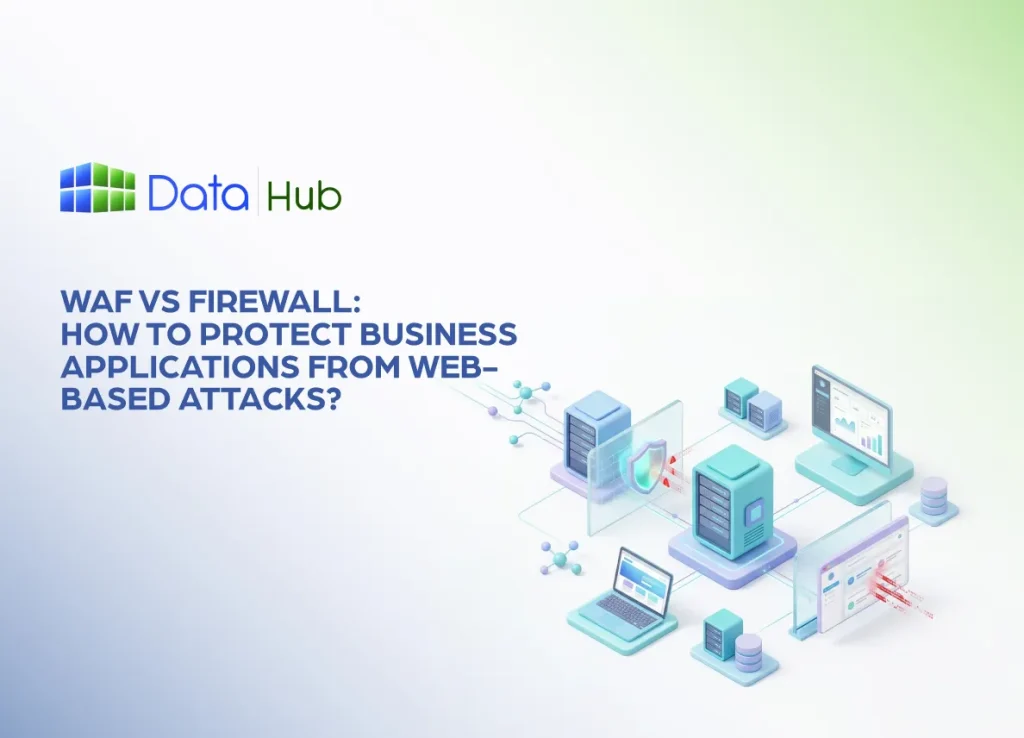
A Web Application Firewall (WAF) protects websites and web applications from attacks such as SQL injection, cross-site scripting (XSS), and malicious HTTP requests. A network firewall controls traffic entering and leaving business networks to prevent unauthorized access. Since they protect different layers, businesses should use both together for stronger, layered security Businesses use a Web Application Firewall (WAF) to shield them from various types of cyber threats, as well as a traditional network firewall. A network firewall manages the traffic that goes into and out of a network, while a WAF scans the web requests to detect and prevent malicious activity targeting web applications and websites. Online businesses have a need to reinforce security and make it better. In Nepal, companies rely on websites, e-commerce sites, online payment systems, customer portals, and cloud applications to cater to customers. These platforms provide vulnerabilities for cyber-attacks as well. A weak web application might reveal the customer details and cause disruption for business operations and impact customer confidence. WAFs and firewalls both serve to protect digital infrastructure, but they each have their own distinct purpose. It is important to know the difference, however, to choose the right security controls to mitigate threats rather than treating all the same. What Is a Firewall and How Does It Protect a Business Network? A firewall is a network security system that monitors and regulates network traffic based on pre-established security rules. It enables connections that are approved and denies access to those that are not, which helps to prevent unauthorized access to business networks and infrastructure. In a traditional network firewall, rules are typically enforced based on IP addresses, ports, and protocol information. It is possible to set the rules on a firewall to only let certain outside connections through while keeping others from entering the business. Firewalls are useful for protecting: More capabilities exist such as intrusion prevention, application awareness, encrypted traffic inspection and threat intelligence, which can be offered by modern Next-Generation Firewalls (NGFWs). For instance, a financial services firm in Nepal could implement a network firewall to regulate the traffic for the office network, application servers and external connections. This ensures that the network is not accessed by unauthorized users and that only services that are authorized are communicated with. DataHub provides Firewall as a Service (FWaaS) through a Next-Generation Virtual Firewall Appliance. Its published service features include intrusion prevention, advanced routing, IPsec tunnels, SSL inspection, threat protection and high-availability or load-balanced configurations. What Is a Web Application Firewall (WAF)? Web Application Firewall (WAF) is a type of application protection software that helps guard websites and web applications by observing, filtering and blocking possibly dangerous HTTP and HTTPS requests. It’s centered on application-layer threats that might not be caught by standard network traffic filtering solutions. In general, a WAF is deployed before the web application and filters incoming requests prior to their arrival at the application server. It applies security rules and policies to detect suspicious request patterns and make decisions on whether to allow, monitor or block traffic. A WAF can help protect: For example, an e-commerce website may receive a request containing a malicious SQL injection payload. A WAF can inspect the request, identify patterns associated with SQL injection and block it before it reaches the application. DataHub offers WAF as a Service to monitor and filter web traffic. Its official service page describes positive and negative security model policies, Layer 7 DoS protection and filtering designed to block malicious traffic before it reaches application and data servers. What Is the Difference Between WAF and Firewall? The main difference between WAF and Firewall is the type of traffic they inspect and the systems they protect. A network firewall protects network boundaries and infrastructure, while a WAF focuses on HTTP and HTTPS requests targeting web applications. Comparison Network Firewall Web Application Firewall (WAF) Primary purpose Protects networks and infrastructure Protects websites and web applications Main traffic focus Network traffic HTTP and HTTPS requests Security focus Unauthorized network access and suspicious connections Malicious web requests and application-layer attacks Common inspection criteria IP addresses, ports, protocols and connection rules Request content, headers, URLs, parameters and application traffic patterns Typical protection Network access control and intrusion prevention SQL injection, XSS and other web-based attacks Deployment Network gateway, appliance, virtual firewall or cloud service In front of a web application, on-premises or through a cloud service Main use case Protecting servers, networks and internal systems Protecting public-facing websites, APIs and web applications While a network firewall can stop unauthorized access to a server, it can’t detect all attempts to tamper with any other legal access to the web. To assist in identifying these threats, a WAF includes application-specific inspection. Note that some NGFW products provide application-layer inspection. But there is a WAF specifically built for the inspection and protection of the web application traffic. What are Types of Web-based Attacks? By analyzing incoming web requests, a WAF can detect and stop typical application-layer attacks. The effectiveness of its use relies on the security rules, security configuration, application architecture and its maintenance. Some common threats include: 1. SQL Injection Here, SQL injection happens when an attacker adds malicious SQL statements to application inputs in order to get the database to run different SQL statements than intended. For instance, an attacker could exploit a site’s login or search feature to gain unauthorized access to information. A WAF can scan incoming requests for any suspicious SQL patterns and prevent requests from hitting the database if they are flagged as security violations by the security rules configured in the WAF. But businesses should also employ secure coding and parameterized database queries. 2. Cross-Site Scripting (XSS) Cross-Site Scripting (XSS) is a security flaw in which an attacker embeds malicious code that can run in a user’s browser when he visits a vulnerable website. These scripts can be used to steal session information, change content or do something else. A WAF can detect and block any suspicious script in incoming requests.
How to Choose Between Public Cloud, Private Cloud & Virtual Private Cloud in Nepal?
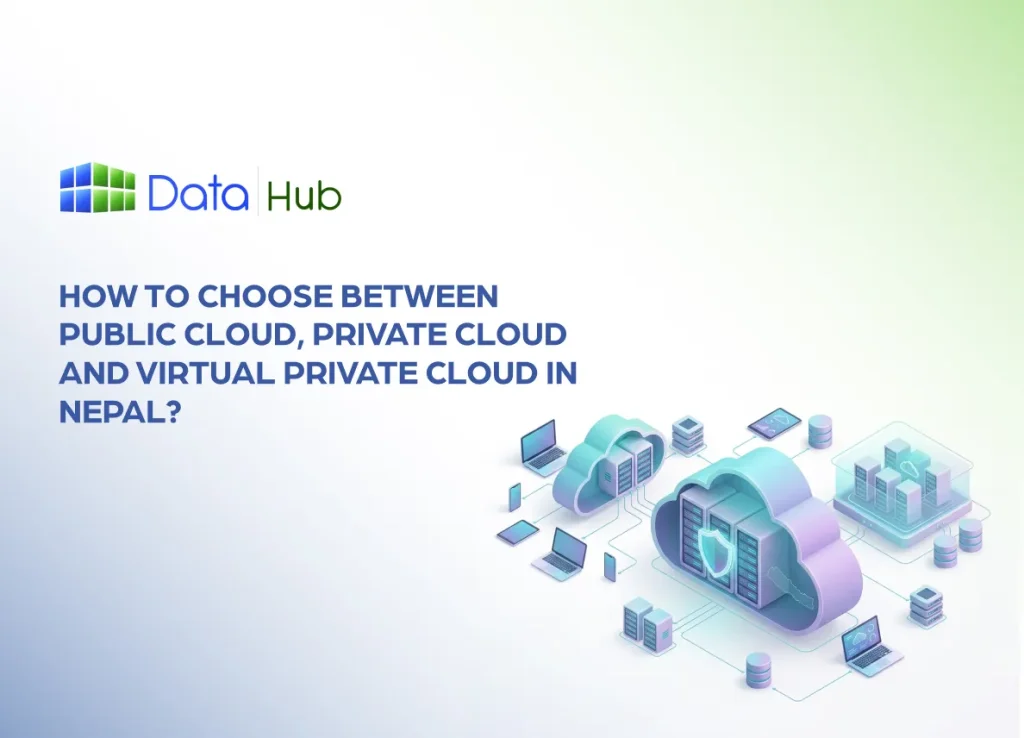
Choosing between Public Cloud, Private Cloud, and Virtual Private Cloud in Nepal depends on your business requirements, budget, security expectations, and plans for growth. Public Cloud is suitable for flexible and scalable workloads, Private Cloud offers dedicated infrastructure, and VPC provides an isolated virtual network environment. Understanding their differences helps businesses select the right cloud infrastructure without paying for unnecessary resources. As more Nepali businesses move applications, databases, and business operations online, choosing the right cloud environment has become an important technology decision. Banks, financial institutions, e-commerce companies, software businesses, and growing enterprises all have different infrastructure requirements. However, these cloud options are not interchangeable. Each provides a different level of resource allocation, control, and network isolation. Businesses should understand what each model offers before selecting a cloud service provider in Nepal. What Are Public Cloud, Private Cloud and Virtual Private Cloud? Public Cloud, Private Cloud, and Virtual Private Cloud are cloud infrastructure options that allow businesses to access computing resources without managing every part of the physical infrastructure themselves. What Is Public Cloud? A public cloud is a computing model where third-party providers own, manage, and deliver shared IT resources. Public Cloud provides computing resources through a cloud infrastructure managed by a service provider. Businesses can rent virtual servers, storage and networking resources based on their requirements instead of purchasing and maintaining physical servers. A public cloud environment generally uses shared physical infrastructure, while virtual machines and allocated resources remain logically separated between customers. It is mostly useful for: For example, a business can begin with a small virtual server and increase its CPU, RAM or storage as its application grows. DataHub Nepal provides Public Cloud services with NVMe storage, root access, snapshot backups and scalable server resources. Its published plans allow businesses to start with a small configuration and upgrade when additional capacity is required. What Is Private Cloud? Private Cloud is a cloud environment dedicated to a single organization. Unlike a typical public cloud setup, its underlying infrastructure is reserved for one customer rather than shared across multiple organizations. This arrangement provides greater control over resource allocation, infrastructure configuration and access management. Private Cloud is suitable for: Note: Private cloud is not limited to these industries. Any organisation requiring better data security, privacy, and control can use a private cloud. A private cloud can be hosted within an organization’s own facility or managed by an external cloud provider. As a service provider, we at DataHub Nepal offer Private Cloud services through dedicated, single-tenant infrastructure. We also offer enterprise-grade hardware, NVMe storage, customization options, monitoring. What Is Virtual Private Cloud (VPC)? Virtual Private Cloud (VPC) is a virtual network environment, an isolated space designed in a cloud infrastructure. It provides businesses with the ability to set up private IP addresses, network access controls, routing and communication among cloud resources. VPC is generally perceived as a public cloud infrastructure, but the architecture and isolation properties rely on the provider’s implementation. Do not automatically assume it is the same as a fully-fledged private cloud. A VPC is useful for: Note: VPCs are not limited to these use cases. They can support any application or business requiring a secure, isolated, and customised cloud network. Datahub provides Virtual Private Cloud services with network isolation, security controls and high-availability features for enterprise workloads. What Is the Difference Between Public Cloud, Private Cloud and VPC? The main difference is how infrastructure resources and network environments are allocated and controlled. Public Cloud offers flexible virtual resources, Private Cloud provides dedicated infrastructure, and VPC creates an isolated network environment for cloud resources. Comparison Public Cloud Private Cloud VPC Infrastructure Generally shared physical infrastructure Dedicated to one organization Depends on underlying cloud infrastructure Resource allocation Virtual resources allocated to customers Dedicated resources Configurable virtual resources and networks Network isolation Logical separation Private environment Isolated virtual network Customization Provider-dependent Generally extensive Network and access configuration Scalability High Depends on infrastructure capacity Depends on available cloud resources Cost structure Often pay-as-you-go or plan-based Configuration-based Configuration and resource-based Suitable for Websites, applications and growing workloads Sensitive or resource-intensive workloads Applications requiring network segmentation Can a Business Use More Than One Cloud Model? Yes. Businesses do not always need to choose only one cloud model. A hybrid approach can combine public cloud resources with private infrastructure or isolated network environments. For example, a company may run its customer-facing website on Public Cloud while keeping sensitive internal applications in a Private Cloud environment. This approach allows organizations to match infrastructure choices with the requirements of individual workloads. How Much Do Cloud Services Cost in Nepal? Cloud service costs in Nepal depend on the resources required, including CPU, RAM, storage, and the type of infrastructure. For businesses looking for an affordable starting point, we offer scalable Public Cloud VPS plans with different resource configurations to meet varying hosting and workload requirements. DataHub Nepal Public Cloud VPS Pricing DataHub Nepal offers the following monthly Public Cloud VPS plans: Plan Monthly Price CPU RAM Storage Small NPR 1,000 1 vCore 1 GB 10 GB NVMe Medium NPR 2,100 2 vCores 2 GB 25 GB NVMe Large NPR 3,000 2 vCores 4 GB 50 GB NVMe These plans allow businesses to choose cloud resources based on their current workload and budget. The Small plan provides an entry-level option for basic hosting needs, while the Medium and Large plans offer additional memory and storage for growing applications and workloads. Businesses can also scale their cloud resources as their requirements increase, helping them manage infrastructure without investing in physical servers. For organisations with more specific infrastructure, security, or networking requirements, we at datahub Nepal also offer Private Cloud and Virtual Private Cloud (VPC) solutions. These solutions can be customised based on business needs, resource requirements, and infrastructure preferences. Pricing for these services depends on the required configuration and is available through a customised quotation. How Should Individuals and Businesses Choose Public Cloud, Private Cloud, or VPC? The right cloud infrastructure depends on how individuals and businesses use